
Load-Balancing and FYB Software
OVERVIEW
Load-balancing servers can be a great way to reduce strain on a server, and ensure high availability. However, depending on the application, there may be additional steps required to ensure load-balancing is configured correctly.
The below article will cover the additional configuration steps and considerations required when using FYB Software in a load-balanced Environment
EXTERNAL LINK ADD-INS
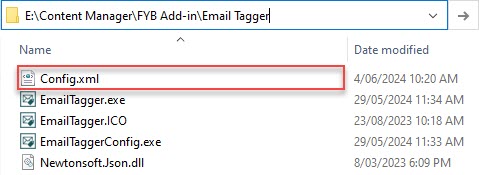
External Link Add-ins, such as FYB Soft Deleter, Link Generator and PDF Generator, load balancing is fairly straight forward once configured. The only consideration when installing an Add-in is to ensure the installation and share folder paths are identical between all load-balanced servers.
The configuration and license files will require manual replication across all servers.
FYB WEB APPS
For web applications such as FYB DocUControl, load balancing and the increased availability it affords can be highly beneficial, however there are a few limitations to consider:
- Manual replication is required for configuration and license files, similar to External Link Add-ins
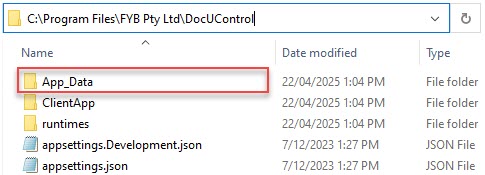
- Schedule based actions and emails (e.g. License Expiry Notifications) will be completed by all instances, potentially leading to notification spam or conflict
FYB CONNECT
FYB Connect is the first FYB Software to use a database to store its configuration rather than configuration files within the installation directory. This removes the need for manual replication between servers, but won't negate the duplication of actions.
In future releases, we aim to include more robust load-balancing through event queueing and allocation.