
Locations Manager License Update
LICENSE DETAILS
Please contact FYB for a valid license if you are yet to obtain one for your Connector.
UPLOADING THE LICENSE FILE
-
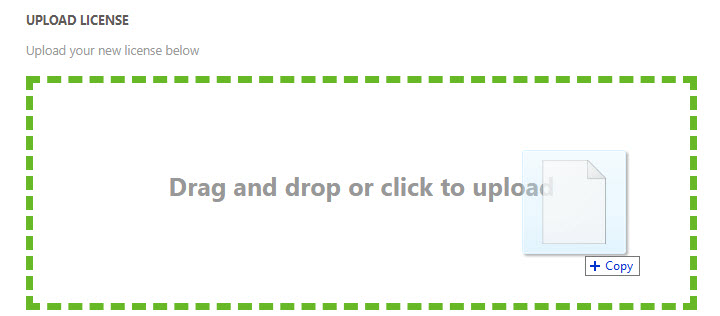
Navigate to the admin console of the web application and open the license tab

-
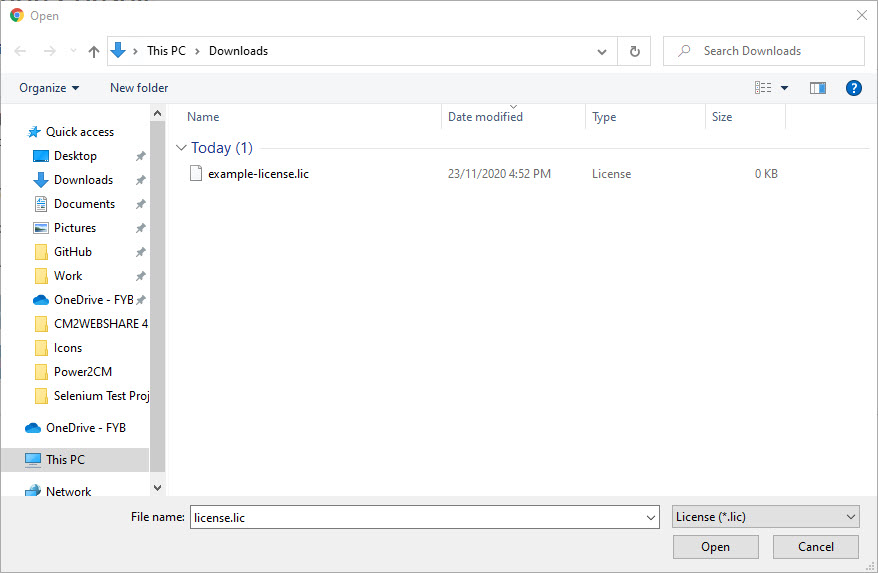
Click on the Drag and Drop zone and select your new license file from the file dialog. Alternatively, dragging the license into the drop zone will also upload the file
-
Click on the Open button and the license file will be uploaded
ADDITIONAL DATASETS
Please ensure that you update the license completing the above process for all additional datasets.