
Service2CM Connected App Set up Guide
OVERVIEW
To use Service2CM you are required to register the application on ServiceNow. The registration will be used to acquire an access token to make web API requests to access ServiceNow resources.
ServiceNow uses the Resource Owner Password Credential flow for authenticating external clients into ServiceNow. This requires for an access token to be generated to successfully send and receive requests from ServiceNow.
APP REGISTRATION USING SERVICENOW
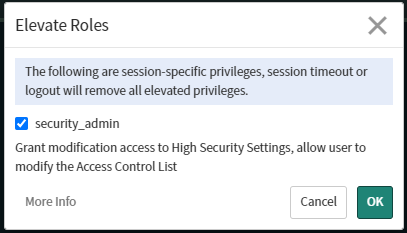
The following steps must be completed by a security admin. If there is no security admin available, an admin must elevate their role to security admin.
-
Sign in to the ServiceNow instance
-
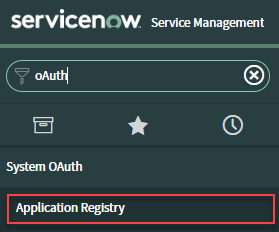
Once signed in, navigate to Application Registry within System OAuth
-
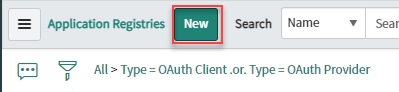
Click on the New button
-
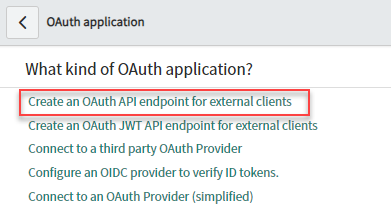
Click on the Create an OAuth API endpoint for external clients button
-
Enter fyb_service2cm into the name input field

-
Leave the client secret blank, ServiceNow will automatically generate a complex string.

7.Click on the Submit button

-
Take note of the Client ID and Client Secret values
