
Soft Deleter User Manual
USING THE SOFT DELETER
-
In Content Manager, locate the record(s) you wish to delete
-
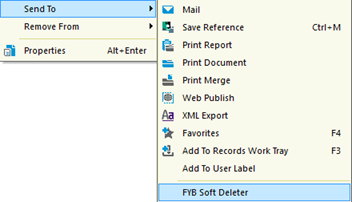
Right-click on the record and select Send to > FYB Soft Deleter
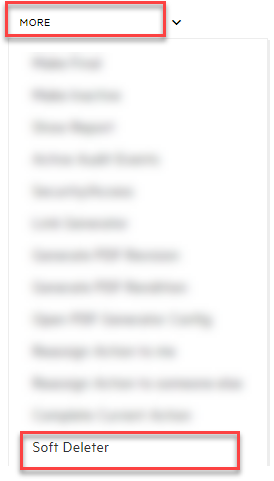
 If you are using the Web Client version click on the MORE dropdown and select Soft Deleter
-
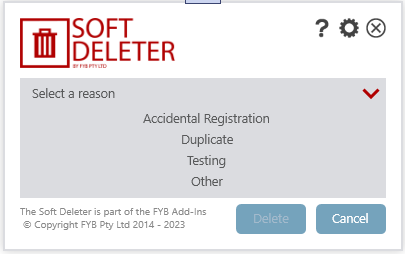
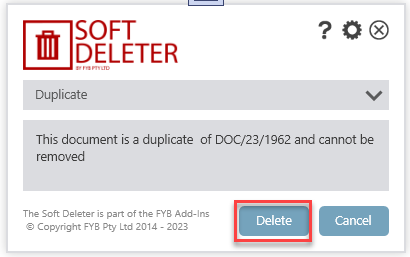
Select a reason for the deletion
 NOTE
Records must only be deleted for appropriate reasons.
-
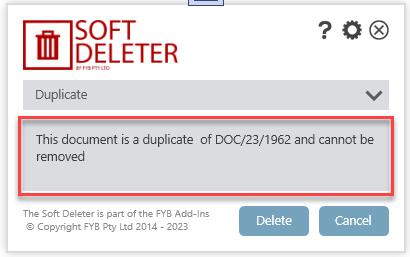
Enter the reason for deletion. Note that this step may be mandatory or optional depending on your settings
-
Click on the Delete button and the record(s) will be removed from your view
 NOTE
If using the event processor add-in please allow up to 90 seconds for removal.