
Locations Manager License Update
LICENSE DETAILS
Please contact FYB for a valid license if you are yet to obtain one for your Connector.
UPLOADING THE LICENSE FILE
Note
This process may require assistance from your IT team.
-
Navigate to the admin console of Locations Manager by clicking the Admin button on the ribbon
-
Navigate to the License tab

-
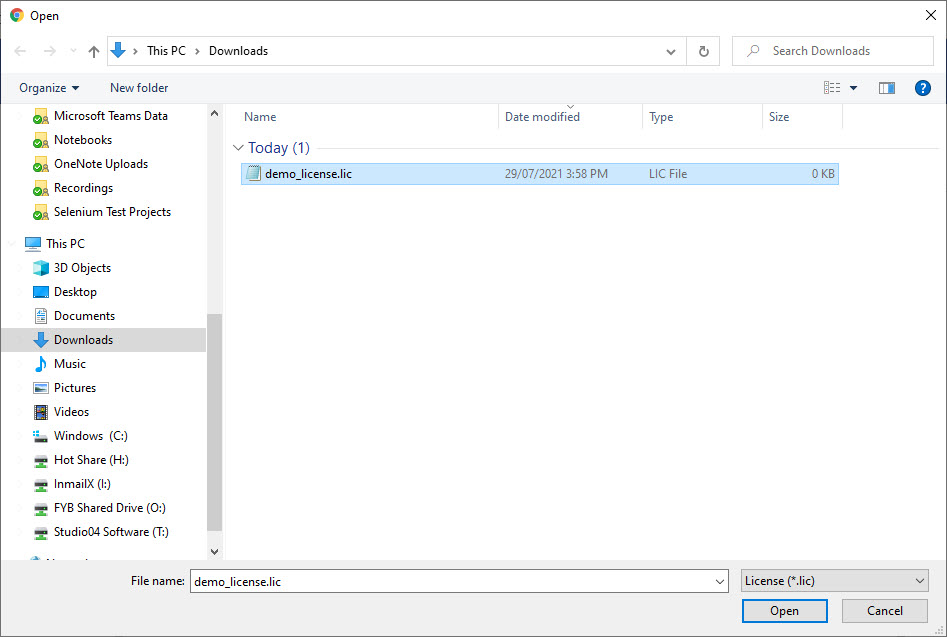
Click into the drag and drop area to open a file browser dialog
-
Select the license file and click the Open button
NoteAlternatively, you can drag and drop the file in the drag and drop area
ADDITIONAL DATASETS
Please ensure that you update the license completing the above process for all additional datasets.